Help center
Answers, step-by-step guides and a human when you need one. Support is available 24/7 by e-mail, and Lisa answers inside the app any time of day.
Get in touch
with the team
One inbox, real people. Write to us in any language — we reply in English.
Email support
Payment issues, withdrawals, account questions — our support team is available 24/7 with an average response under 2 hours.
support@b99tech.comAsk Lisa in the app
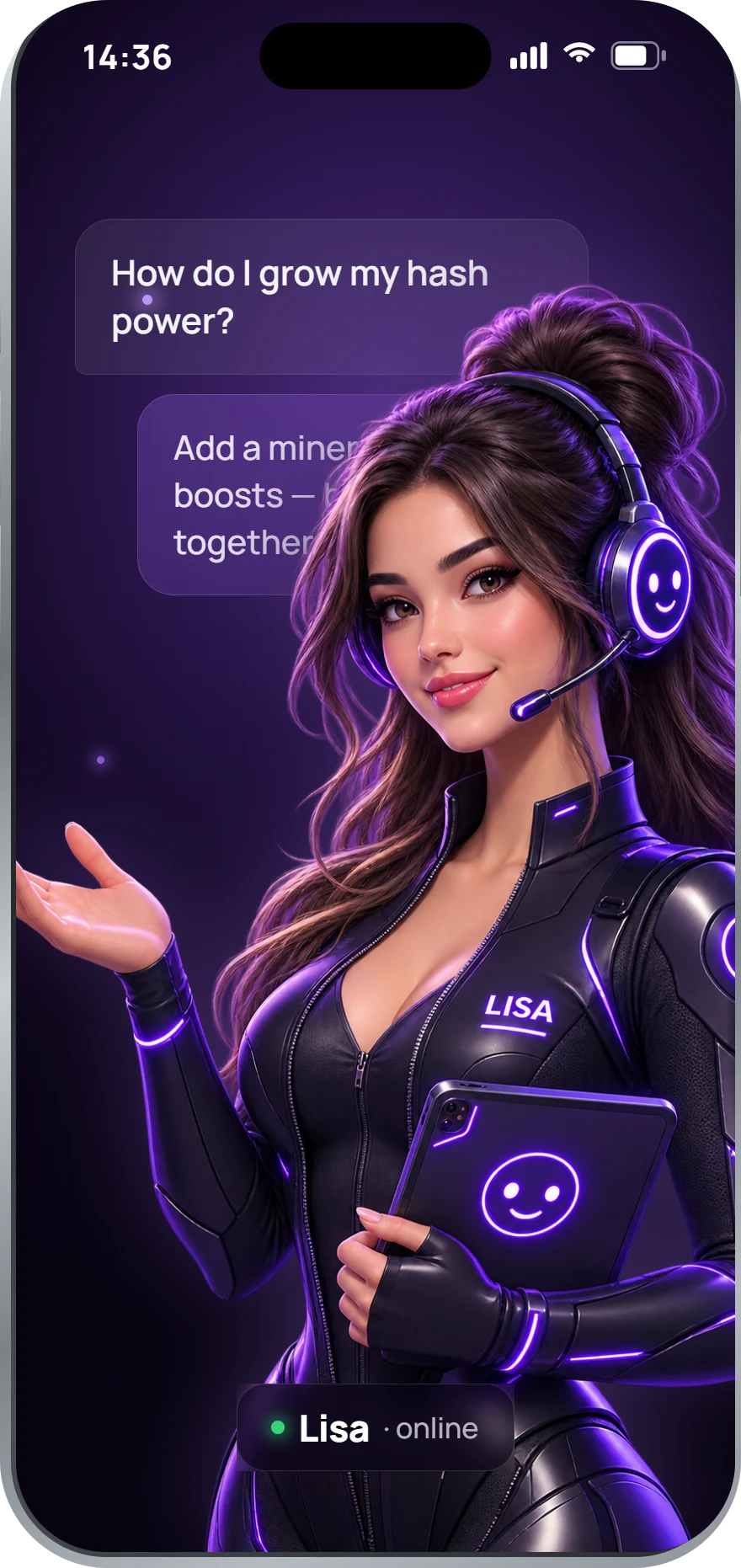
Lisa is the AI mining assistant built into B99 Mining. Ask about your miners, bonuses or withdrawals and get an answer right away, any time of day.
Available on Google Play and the App StoreTelegram channel
Follow @b99mining for announcements, campaigns and app updates. It is a broadcast channel — for questions about your account, write to support.
t.me/b99miningGetting started
How do I start mining?
Download the app, sign up with your email and choose the free starter plan or one of the paid plans. Activate your miner and your Bitcoin rewards start accumulating daily.
Do I need any hardware?
No. B99 Mining is cloud-based: the mining power runs in our data-center cloud. Your phone stays cool — no battery drain, no CPU load, nothing to set up.
What is the free starter plan?
Every account comes with a free starter plan. Check in daily, keep your streak and collect bonus hash power — no payment is needed to begin, and you can add a paid plan whenever you're ready.
Where do I see my daily rewards?
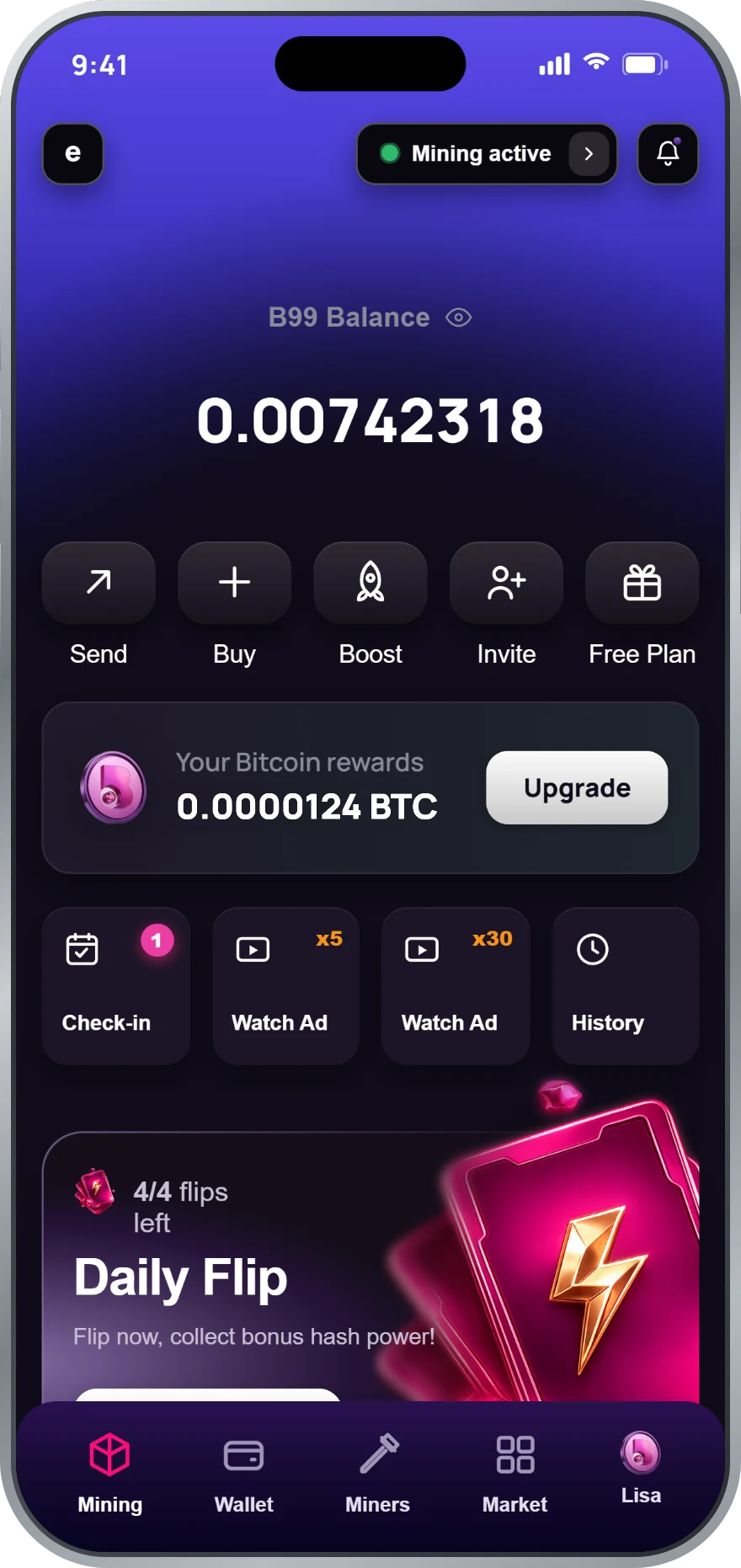
On the dashboard: your Bitcoin balance, today's rewards and your active mining session are all on the first screen. The wallet screen keeps the full history.
Plans & payments
Which plans are available?
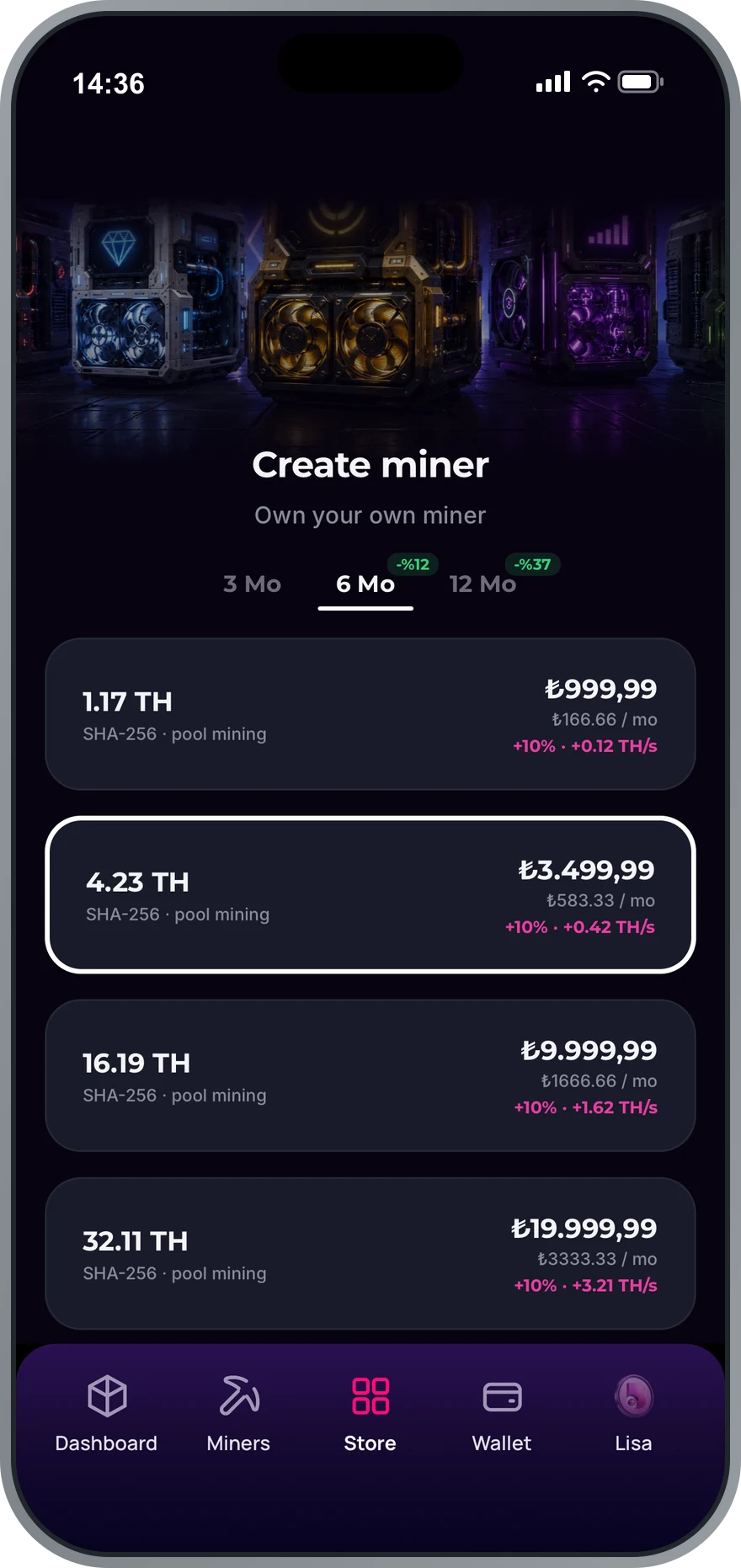
Fixed 3, 6 or 12-month plans from 500 GH/s to 384 TH/s, with no auto-renewal. See all plans.
How can I pay?
With crypto (Bitcoin, USDT, Solana and more) on b99mining.com, or inside the app through Google Play and the App Store. Store purchases include a term bonus of 5%, 10% or 20% for 3, 6 and 12 months.
How does the 70% crypto bonus work?
Pay with Bitcoin, USDT, Solana and more on b99mining.com and your plan is activated with 70% extra hash power for the whole term. Bitcoin pays for any plan; USDT and the other coins start at $10.
Do plans renew automatically?
No. Plans are fixed-term. When the term ends, your mining power simply stops until you pick a new plan — nothing is charged automatically.
Can I have more than one plan?
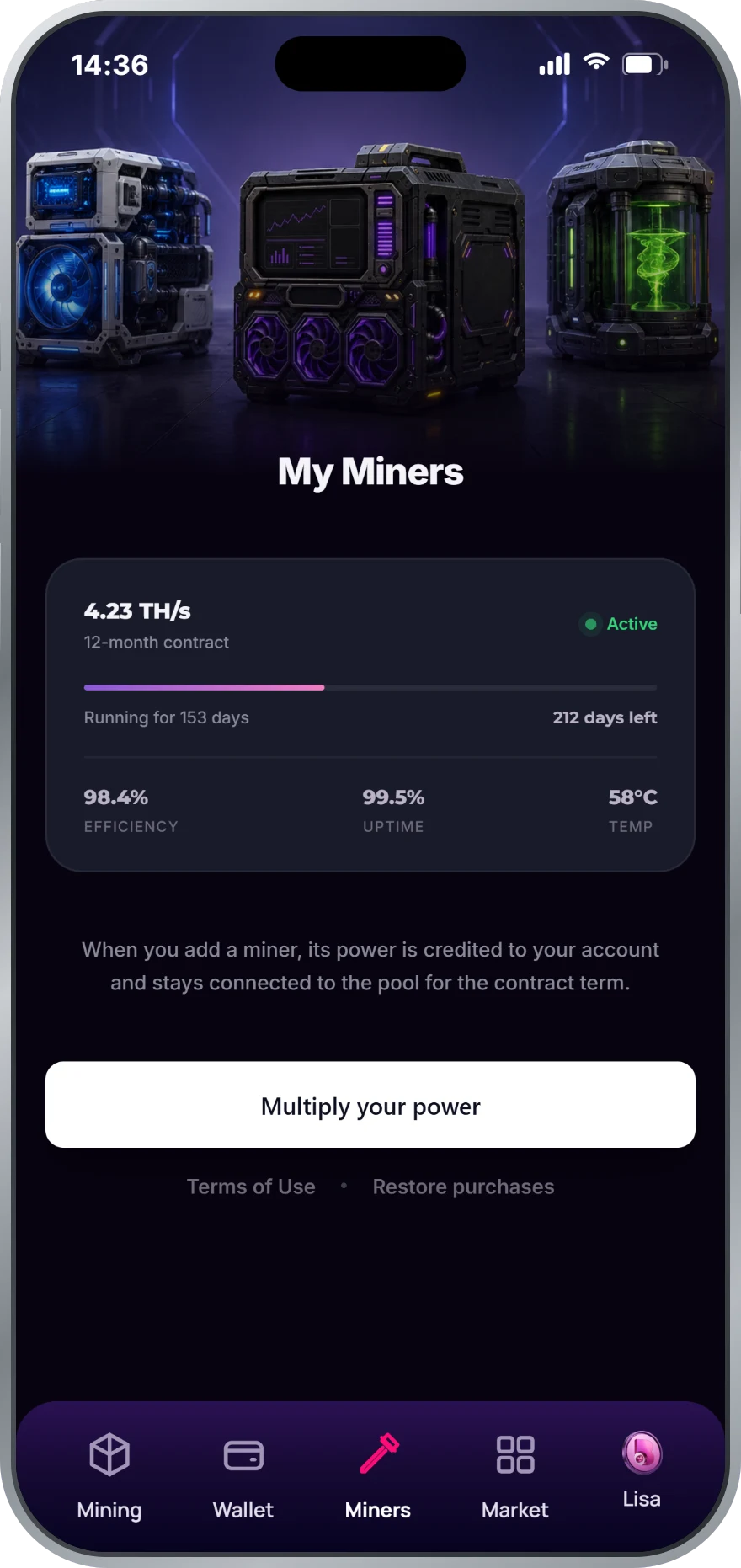
Yes — plans stack. Buy another one at any time and the hash power is added to your total.
Mining & bonuses
What is a daily session?
Open the app and start your 24-hour mining session. Keeping the session going every day keeps your rewards flowing and builds your check-in streak.
How does the check-in streak work?
Verify your activity daily to build a streak. The bonus grows day by day and reaches +30% hash power on day 7 — and it stacks with your referral bonus and boosts.
When do my rewards start?
Your mining power goes live within minutes of a confirmed payment, and Bitcoin rewards accumulate from your first daily session.
Why do my rewards change from day to day?
Like every miner, your daily rewards follow the Bitcoin network — difficulty and the BTC price move day to day, so rewards vary while your hash power stays fixed. Daily sessions and bonuses add on top.
What is Lisa?
Lisa is the AI mining assistant inside the app. Ask anything about your miners, bonuses or withdrawals and she answers right away, any time of day.
Withdrawals
Which networks can I withdraw to?
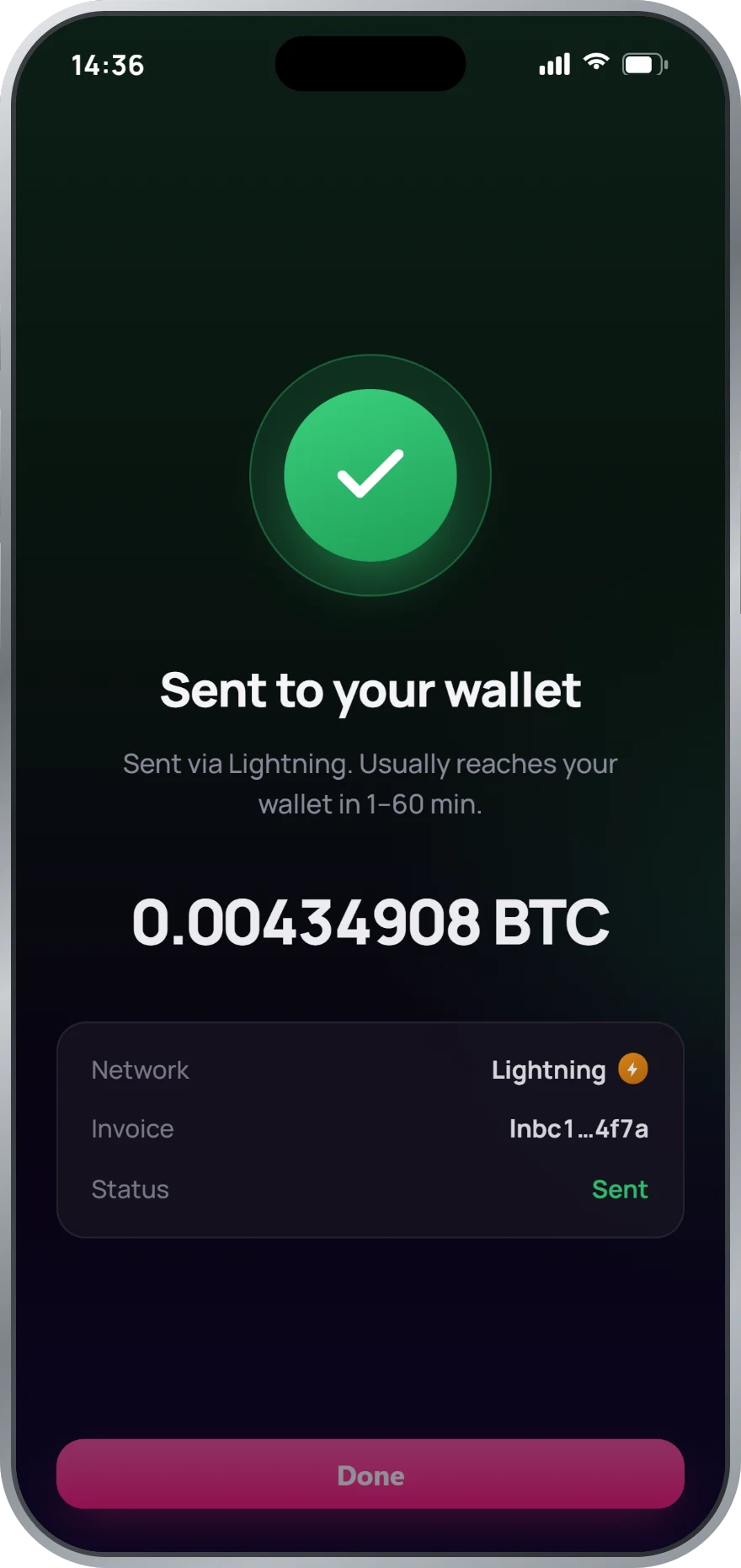
Lightning (recommended) — instant, low fees, best for small daily amounts. Minimum 0.00000005 BTC.
On-chain BTC — standard blockchain transfer, slower and with higher network fees. Minimum 0.00045000 BTC.
Always double-check your address — crypto transactions are irreversible.
How long does a withdrawal take?
Lightning transfers usually reach your wallet within minutes; on-chain transfers depend on the Bitcoin network. Security reviews for large withdrawals may take up to 24 hours.
Why did my withdrawal fail with a generic error?
For security and fraud-prevention reasons every withdrawal request goes through automated checks — identity, device, address, velocity and daily / periodic transfer limits. If a request does not pass one of them you may see a generic message such as "Please verify the information you entered." The exact limits are intentionally not disclosed.
What you can do: try a smaller amount · wait up to 24 hours and try again · double-check your destination address or Lightning invoice · make sure you are not exceeding a per-day total across several withdrawals. If it continues, write to support@b99tech.com.
How do I get a Lightning invoice?
- Download a Lightning-supported wallet such as Wallet of Satoshi, Phoenix or Muun.
- In your wallet tap Receive and enter the exact BTC amount you want to withdraw.
- Copy the invoice (it starts with lnbc…) and paste it into the B99 Mining withdrawal screen.
Referral program
How does the referral program work?
Share your invite link from the app. When your friend signs up with it and buys their first plan, you both receive 20% of that plan's hash power for 3 months. There is no limit on invites. Full details on the referral page.
When does the referral bonus start?
8 days after your friend's purchase is completed — the hold covers the app store refund window. Until then the app shows it as pending; once it starts, it runs for 3 months.
Where do I find my invite link?
In the app: tap Invite on the dashboard, or open Profile → Invite Friends. You can copy your link or share it directly.
Account & security
How do I reset my password?
On the sign-in screen tap Forgot password and enter your email. We send a reset link — open it on your phone and choose a new password.
How do I delete my account?
Open Profile in the app and choose Delete account. Deletion is permanent: your balance, plans and history are removed and cannot be restored, so withdraw your Bitcoin first.
Is my Bitcoin safe?
Rewards stay in your B99 balance until you transfer them to your own wallet. Withdrawals go through automated security checks, and larger transfers may get a manual review of up to 24 hours.
How do I contact support?
Write to support@b99tech.com — the team is available 24/7 with an average response under 2 hours. Inside the app, Lisa answers common questions instantly.